
PACKAGE INFORMATION
Description
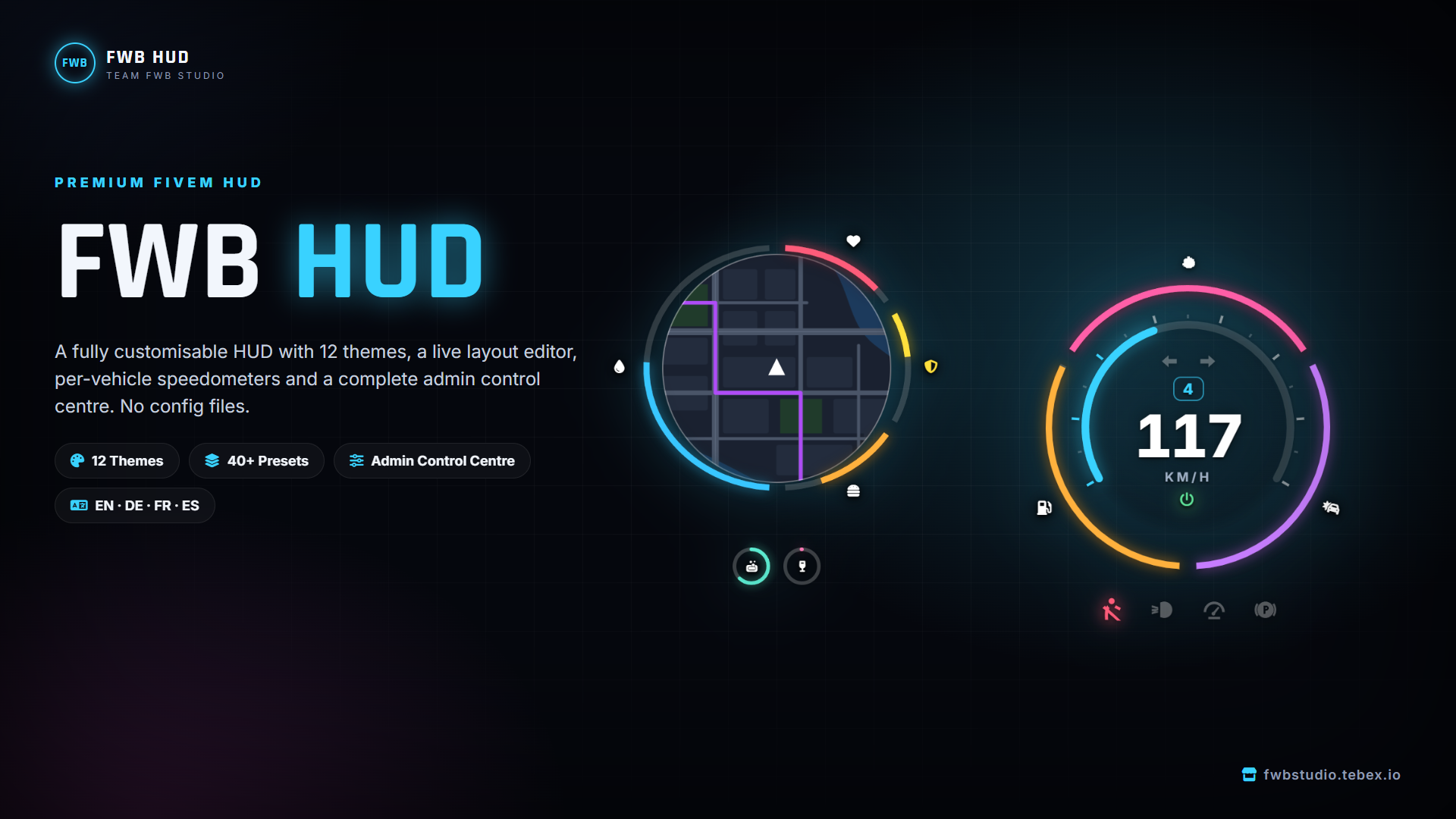
FWB HUD | Premium Customisable HUD for FiveM
by Team FwB Studio
A complete, premium HUD with 12 themes, live in-game customisation for every player, a full admin control centre and built-in vehicle systems: seatbelt, harness, cruise control, nitro and stress.
No config file to edit. Everything is set in game and saved on the server.
Works with ESX, QBCore, Qbox and Standalone.
12 Themes, 40+ Presets
Every theme has its own layout, statuses and speedometer, and comes with several colour presets. Players pick a theme, pick a preset, then change it however they like.
- FWB Orbit: one ring of statuses around a round minimap, with a matching speedometer (default)
- Linea: square map, thin status bars and a large digital speed readout
- Pulse: rounded tiles that fill up like liquid, with a compact pill speedometer
- Dash: motorsport style with segmented bars, shift lights, a big gear and speed
- Mono Text: no shapes, just icons and numbers, the quietest look for serious RP
- Ringline: the classic roleplay layout, with a framed map, ring statuses and speed/fuel arcs
- Analog: a column of ring statuses and a round analogue speedometer with a needle
- Halo Chips: tiny chips that only appear when a status drops
- Frost: translucent glass cards
- Vice: sunset pastels, chunky caps and a vehicle card with the car's name
- Neon Street: a full-width neon strip along the bottom of the screen
- Patrol: street and area names, a sliding compass and twin analogue gauges for RPM and speed
Server owners can add their own presets in an open Lua file.
Player Settings (/hudsettings)
- Try themes live: the menu shrinks to a slim bar so players see every theme on their real HUD while they click through
- Drag and drop editor: move any piece of the HUD, hold Ctrl and scroll to resize it
- Scale the whole HUD in one step
- Save their own looks as personal presets
- Accent, warning and low colours, single colour mode, glow and text shadow
- Ring style (wide or thin) and how many statuses sit on the ring
- Choose when status numbers show: always, when they change, when low, or never
- Hide full statuses (stamina and oxygen only appear when you need them)
- Minimap, speedometer unit (km/h or mph), RPM lights, low fuel warning
- Vehicle sounds: indicator tick, seatbelt chime, light switch and cruise control
- Money block with a hold-to-show key, and dirty money hidden at $0
- Server logo, server ID, job and players online
- Cinematic mode
- Every key in one place, and every key can be rebound in GTA's key bindings
- Everything saves automatically
Admin Control Centre (/fwb_hud)
A full in-game panel. No config file and no restarts for most changes.
- Overview: live health checks that tell you what is wrong and take you to the fix, plus framework, notifications, online players and the version check
- Server look: style a HUD and save it as the default for every player
- Statuses: reorder, recolour, change icons, set low and warning levels, choose ring or icon, or add your own custom statuses
- Features: turn the gameplay systems on or off and tune them
- Vehicles: electric models, speedometer type per model (car, bike, aircraft, electric), fuel
- Players: everyone online with their live statuses and stress. Set or reset stress, apply a preset, or reset a player's HUD
- Permissions: choose what players are allowed to change, such as themes or positions
- Commands and keys: rename commands, set default keys, language, refresh rates and debug mode
- Bridge: choose your framework and notification script, or let it auto-detect
- Server logo: any image link, with circle, squircle, rounded, square or diamond shapes
Admin access uses a single ACE permission (fwb_hud.admin). If you type /fwb_hud without access, the screen shows the exact server.cfg line to add, with your license already filled in and a copy button.
Built-in Gameplay Systems
Seatbelt
- Buckle and unbuckle with sounds, and no exiting the vehicle while buckled
- Unbuckled players are thrown through the windscreen in a crash, above a speed you set
- Crash injuries: heavy unbuckled, light buckled, with a crash screen effect
- Chime and blinking icon while driving unbuckled, with time and speed you can set
Racing Harness (item)
- Use the harness item from your inventory while sitting in a vehicle to fit it, with a progress bar
- Wears out after a set number of hard crashes
- Strapped in, you are never thrown out and take much less crash damage
Nitro (item)
- Use the nitrous item from your inventory near a vehicle to install it, with a progress bar
- Hold to boost, with settings for power, acceleration, top speed and duration
- Exhaust flames that other players can see, and a screen blur and shake for the driver
- Optional auto refill, a blacklist and per-model settings (for example a stronger boost on one car)
Stress
- Gained from speeding, from shooting (chance and amount per weapon) and from your own scripts
- Relieved by running, swimming, eating and drinking
- Per-job multipliers, for example police at 50%
- Effects that grow with stress: camera shake, blur, shaky aim, an unsteady walk, stumbling, swerving while driving, and a head-grab animation
- Kept in memory and saved when the player leaves, so it is light on the database
Also included
- Cruise control and an engine on/off key
- Turn signals and hazards that other players can see
- Weapon card with ammo
- Voice range, talking and radio indicator (pma-voice)
- Compass, street and area names, clock (game or real time, optional date)
- Its own progress bar, which other scripts can use through an export
Statuses
Health, armor, hunger, thirst, stamina, oxygen, stress, hygiene and drunk are ready to use.
A status can read from the game, from your framework, from an event or from an export. Add any status you want (shower, pee, radiation...) with one line.
A status that depends on another resource hides itself when that resource is not running, so you never see empty icons.
Compatibility
- Frameworks: ESX, QBCore, Qbox, Standalone (auto-detected)
- Notifications: fs_notify, ox_lib or your framework's own (auto-detected)
- Fuel: works with LegacyFuel, cdn-fuel, ps-fuel, qb-fuel, lc_fuel, ox_fuel and most others without changes, and any other fuel or EV battery script connects in a few lines
- Can replace qb-hud, qbx_hud, ps-hud and qbx_seatbelt: uncomment one line and scripts that depend on them keep working
- Stock HUD events (UpdateNeeds, UpdateStress, ShowAccounts) work out of the box
- No target script needed: harness and nitro are used straight from the inventory
- ox_lib is optional
For Developers
Client and server exports for statuses, stress, seatbelt, cruise, harness, HUD visibility, settings, presets and the progress bar, for example:
exports.fwb_hud:SetStatus(id, value)
exports.fwb_hud:AddStress(amount)
exports.fwb_hud:Progress(options)
exports.fwb_hud:ApplyPreset(source, presetId)   -- server
The bridge folder, integrations, defaults and locales are open source Lua, so you can connect any script or add your own framework.
Performance
Built for full servers. Loops only run while needed (the weapon card sleeps while unarmed, vehicle reads stop on foot), the UI only receives values that changed, server events are throttled, and refresh rates can be set by admins within safe limits.
Languages
English, German, French and Spanish included. Copy one locale file to add your own language.
Commands
/hud: show or hide the HUD/hudsettings: the player's own HUD settings/fwb_hud: admin control centre
All three can be renamed in game.
Installation
- Put
fwb_hudin your resources folder - Add
ensure fwb_hudafter your framework in server.cfg - Type
/fwb_hudin game and add the ACE line it shows you - Set everything up in the control centre
Included
- Escrow protected (client, server and shared folders)
- Open source: bridge folder, integrations, defaults and locales
- Free updates, with an in-game version check
- Support on our Discord
Support: https://discord.gg/sPqkfQHPAa
© Team FwB Studio. All rights reserved.