PACKAGE INFORMATION
Description
FWB Interact – Press E & Target System (Free)
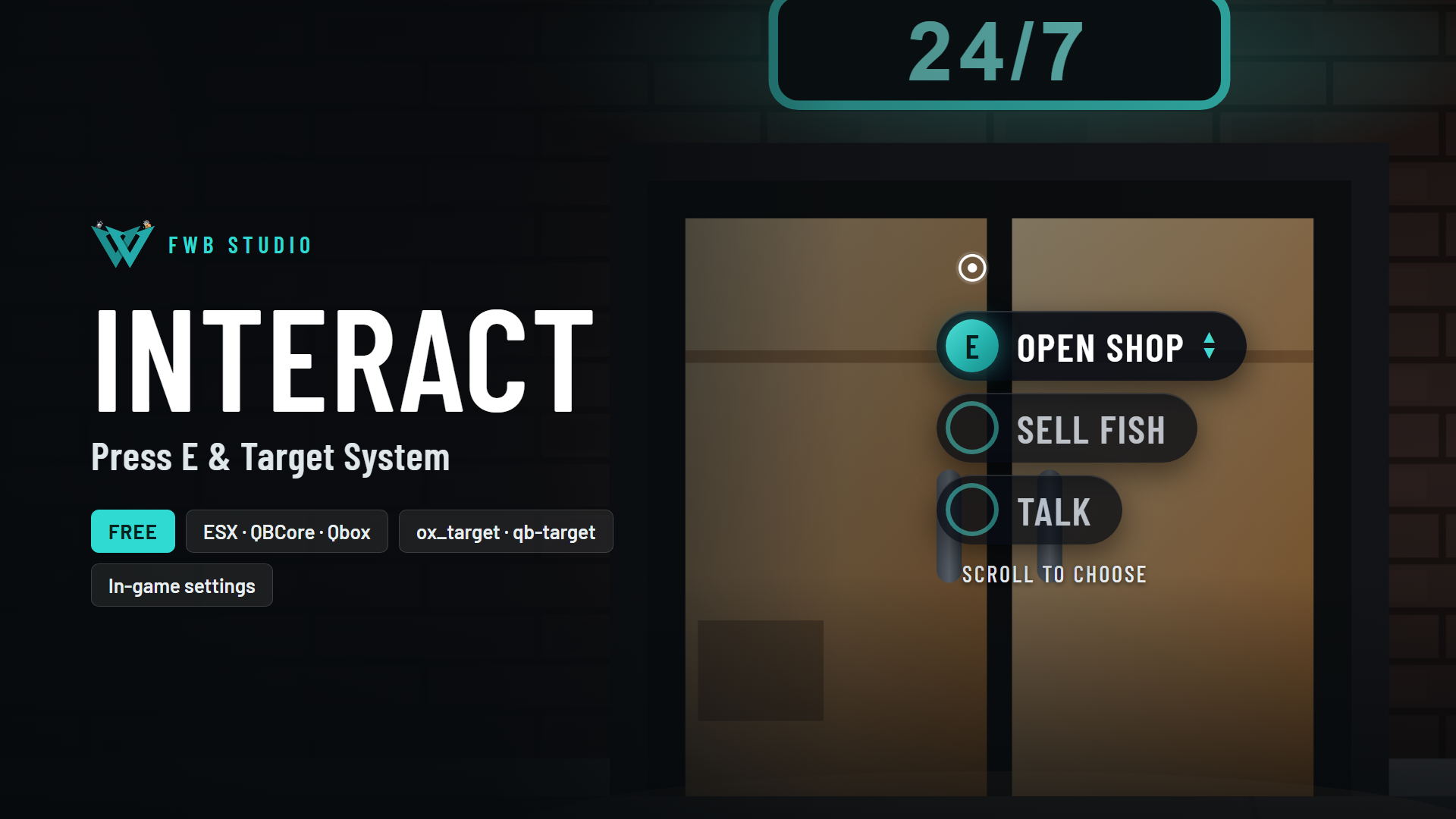
One interaction system for every script on your server. Scripts add spots with a few lines of code, and players use them the same way everywhere: a dot on everything nearby and a clean [E] prompt on the one they look at, or your target eye with ox_target, qb-target or qtarget.
No config file. Everything is set in game with /fwb_interact and applies to every player straight away, without a restart.
✨ Features
- Press E or target – each script picks how its spots work, and can switch them live. Spots that ask for a target use press E until a target resource is running, then move onto it.
- A dot on everything nearby – 7 shapes, 5 animations, any colour. The key badge takes the same shape.
- Look-at prompt – the spot you look at shows its key. Inside a box or poly zone you don't need to aim.
- Several options on one spot – each with its own key (E, G, Z…), or one list on E that players pick with the mouse wheel or arrow keys.
- Hint cards – a title, a short text, detail lines and an icon or image, shown when the player is close.
- Anything can be interactive – spheres, rotated boxes, poly zones, single props and vehicles, vehicle doors and trunks (bones), every prop of a model (all ATMs, all vending machines), every vehicle, ped or player.
- Hidden behind walls – no dots through walls, unless a spot asks for it.
- Players choose their own look – dot shape, animation and colour, key colour, size and keys, with a live preview. Saved on their own PC. Admins can turn this off.
- Admin settings in game – distances, dot ranges, target icon and texts, and the default look and keys for everyone. Players without access see the exact
add_aceline to copy. - Cleans up on its own – when a script stops, its spots go with it.
- Light on resmon – nothing runs until a spot exists, places are looked up in a grid around the player, and the per-frame work only runs while a dot is in range.
- Update check – the server console tells you once a day when a new version is out.
🧩 For developers
Add a spot from any client script:
exports.fwb_interact:AddSphere({
    coords = vec3(-1196.3, -891.2, 14.0),
    options = {
        { label = 'Open shop', onSelect = function() OpenShop() end },
    },
})
Exports: AddSphere, AddBox, AddPoly, AddEntity, AddModel, AddGlobalVehicle, AddGlobalPed, AddGlobalPlayer, AddGlobalObject, RegisterCard, Update, Remove, Exists, SetType, GetType. Options support onSelect, client and server events, commands, canInteract, per-option distance, keys and bones.
Full reference with examples: docs.fwbstudio.com
📦 Requirements
- Standalone – works on ESX, QBCore, Qbox or no framework at all.
- No database – settings are stored by the resource itself.
- Optional: ox_target, qb-target or qtarget for the target look.
⚙️ Installation
- Put
fwb_interactin your resources (keep the folder name). - Add to
server.cfg, before the scripts that use it:ensure fwb_interact add_ace group.admin fwb_interact.admin allow - Restart and type
/fwb_interactin game.
📖 Documentation: docs.fwbstudio.com/resources/interact
💬 Support: FWB Studio Discord